
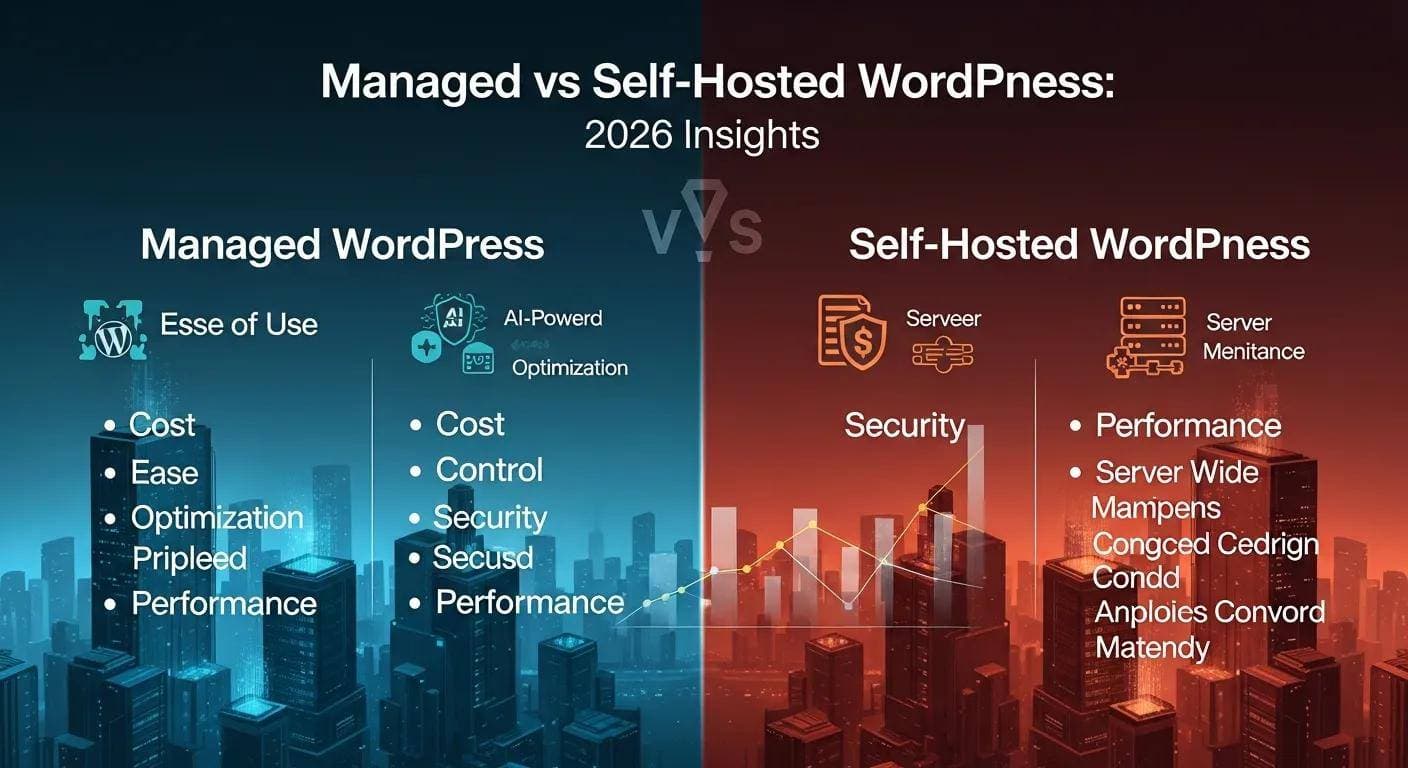
Picking the right WordPress hosting affects speed, security, and how much time you spend on site upkeep. This guide breaks down Managed WordPress Hosting and Self‑Hosted WordPress side‑by‑side so you can choose the setup that fits your goals. We cover core features, the trade‑offs, cost factors, and support options — in plain terms. If technical details drain your time or risk downtime, this comparison will help you weigh the practical pros and cons and decide what to prioritize: convenience or control.
WordPress’s wide adoption — including among security-focused teams — highlights its flexibility and strategic value across web projects.
WordPress for Enterprise: Security, Cost, and Agility
The decision goes beyond infrastructure: it’s about choosing openness over vendor lock‑in, community maturity over closed systems, and cost efficiency over expensive licensing. By running WordPress headlessly with Next.js/React frontends, applying thorough security hardening, and enforcing governance, Malwarebytes met tight security standards while preserving the agility and cost advantages that make WordPress power 43.6% of the web.
Why a Cybersecurity Leader Chose WordPress: The Malwarebytes Case Study, 2025
What is Managed WordPress Hosting?
Managed WordPress Hosting is a purpose‑built service where the host handles most platform tasks for you. Expect automatic WordPress updates, built‑in security measures, and server settings tuned for WordPress performance. The core benefit: you spend less time on maintenance and more time on content, marketing, and growing your business.
Which key features define managed WordPress hosting?
Key features of Managed WordPress Hosting include:
- Automatic Updates: The host applies WordPress core, theme, and plugin updates so your site runs the latest stable releases without manual intervention.
- Enhanced Security Measures: Managed plans commonly include firewalls, malware scanning, and DDoS protection to reduce common attack vectors.
- Performance Optimization: Hosts optimize servers for WordPress and often include caching and CDN options to improve page load times.
Together, these features reduce routine risk and downtime so you can focus on what matters most: your site’s content and conversions.
What are the main benefits of managed WordPress hosting?

The main benefits of Managed WordPress Hosting include:
- Time savings: Your host handles updates, security patches, and many troubleshooting tasks so you don’t have to.
- Specialized support: Managed plans usually come with WordPress‑savvy support teams available when issues arise.
- Better performance out of the box: Preconfigured environments and integrated caching/CDN speed up page loads, which helps user experience and SEO.
For many businesses and creators, those advantages make managed hosting a simple way to reduce technical overhead.
What is Self-Hosted WordPress?
Self‑Hosted WordPress means you install and run WordPress on hosting you choose and manage. That grants maximum control — from server stack to plugins and custom code — but it also means you’re responsible for updates, security, and backups.
Grasping the basic steps and benefits of self‑hosting helps you decide if the extra control is worth the hands‑on work.
Comprehensive Guide to WordPress Website Creation & Hosting
This guide walks through building a WordPress site: registering a domain, choosing hosting, installing and configuring WordPress, selecting themes, and customizing functionality. It highlights WordPress’s strengths — an intuitive editor, scalability, and a vast plugin ecosystem — while flagging common beginner pitfalls and practical fixes. The paper is a useful how‑to for individuals and teams launching a reliable online presence.
CREATING A WEBSITE IN WORDPRESS: A COMPREHENSIVE GUIDE, 2024
What technical requirements does self-hosted WordPress entail?
To launch a Self‑Hosted WordPress site you typically need:
- Server setup: Choose a host and configure an environment that supports WordPress — usually PHP 7.4+ and MySQL 5.7+/MariaDB.
- Domain registration: Register a domain name that represents your brand online.
- Software installation: Download and install WordPress, set up the database, and configure file permissions and server settings as needed.
Those steps are straightforward for developers but can be time‑consuming if you’re new to server administration.
What are the pros and cons of self-hosted WordPress?
The pros and cons of Self‑Hosted WordPress include:
Pros:
- Complete control: You control every aspect of the stack, themes, plugins, and custom code.
- Unlimited customization: You can extend functionality however you like — the sky’s the limit if you have the skills.
- Potential cost savings: With careful choices, self‑hosting can be more economical over time.
Cons:
- Technical skill required: You’ll need to manage updates, security, and troubleshooting or hire someone to do it.
- Variable costs: Unexpected needs — performance upgrades, paid plugins, or security services — can raise the total cost.
- Maintenance responsibility: Backups, monitoring, and recovery fall on you unless you automate or outsource them.
Knowing these trade‑offs helps you decide whether full control is worth the additional effort.
How do Managed and Self-Hosted WordPress compare on key factors?
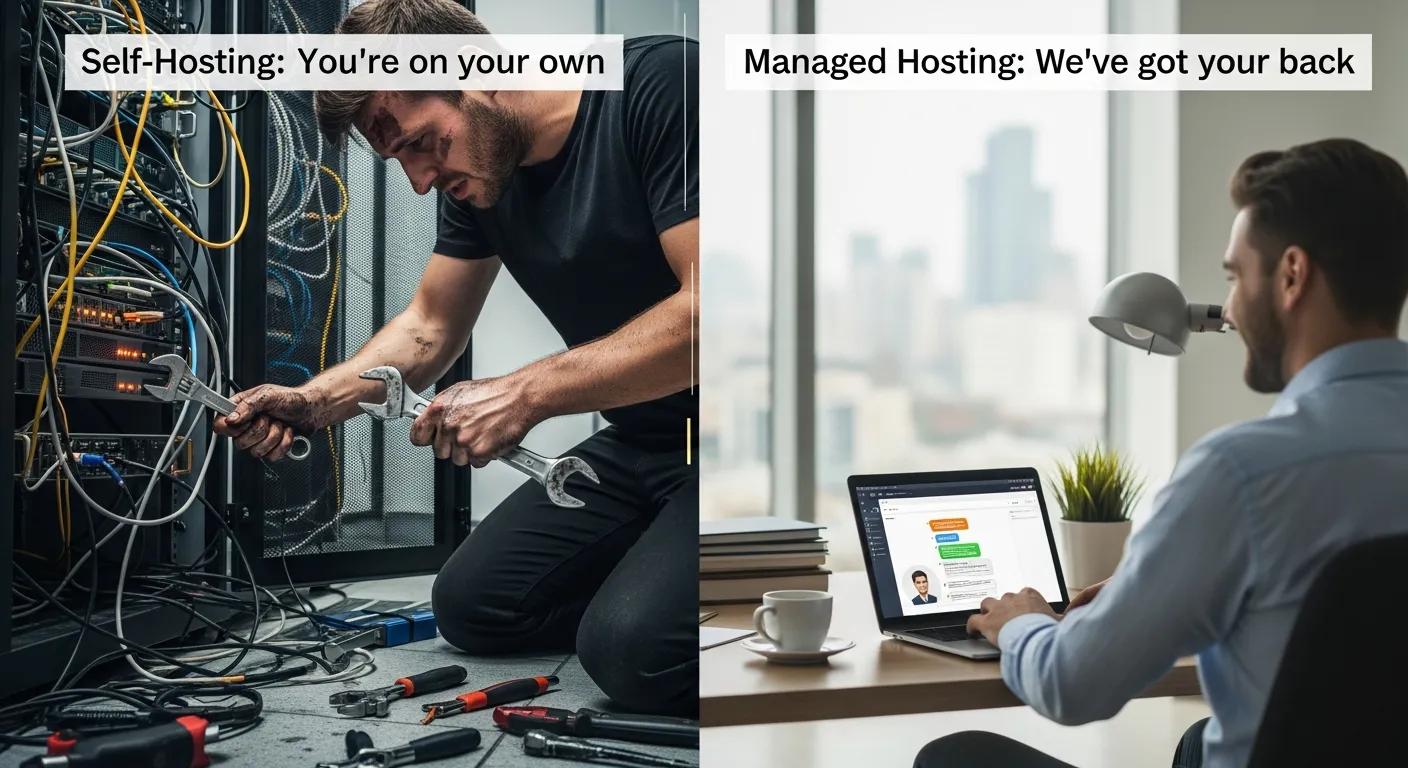
Compare the two options across performance, security, cost, and support to match your priorities and skillset.
How do performance and speed differ between managed and self-hosted WordPress?
Managed WordPress usually delivers faster, more consistent performance because the server environment is tuned for WordPress and often includes caching and CDN integration. Self‑hosted performance depends on your chosen host and how well you configure caching, PHP workers, and resources — so results can vary widely.
What are the security and reliability differences?
Managed hosts bundle proactive security — regular backups, malware scanning, and platform hardening. With self‑hosting, you’re in charge of implementing those protections; when done well, self‑hosted sites can be secure, but they require more ongoing work.
What are the cost implications and total cost of ownership for each hosting type?
Cost matters not just upfront but over time. Consider both visible fees and hidden expenses when choosing.
How do direct and hidden costs compare for managed vs self-hosted WordPress?
Managed hosting typically has a predictable monthly fee that covers hosting, maintenance, and support. Self‑hosting can start cheaper, but you should budget for paid plugins, premium themes, backups, security tools, and occasional server upgrades that add up over time.
Is managed WordPress hosting cost-effective for small businesses?
For many small businesses, managed hosting is cost‑effective because it frees up time and reduces the need for technical hires. The predictable support and maintenance can translate into fewer disruptions and better focus on growth activities.
How do control, flexibility, and support vary between managed and self-hosted WordPress?
Decide how much control you need versus how much support you want the host to handle.
What level of control and customization does each hosting option provide?
Self‑Hosted WordPress gives maximum control and customization. Managed WordPress still allows significant customization, but hosts may restrict certain plugins or server tweaks to protect performance and security.
How does support availability differ?
Managed hosting usually includes dedicated WordPress support teams reachable around the clock. Self‑hosting relies more on community forums, documentation, or external contractors — support quality can vary.
Who should choose managed WordPress hosting or self-hosted WordPress?
Your choice should match your technical skill, time, and business priorities.
When is managed WordPress hosting the best choice?
Choose managed hosting if you want a low‑maintenance setup, dependable support, and predictable performance — ideal for beginners, busy teams, and businesses that prefer to outsource platform operations.
When is self-hosted WordPress suitable?
Self‑hosting fits developers, agencies, and power users who need deep control, custom server configurations, or specific plugins not allowed on managed platforms — and who can handle (or pay for) ongoing maintenance.
| Hosting Type | Control Level | Support Availability | Cost Implications |
|---|---|---|---|
| Managed WordPress Hosting | Moderate | 24/7 Expert Support | Higher Monthly Fees |
| Self-Hosted WordPress | High | Community Support | Variable Costs |
The table summarizes the trade‑offs so you can quickly compare control, support, and cost when evaluating options.
Both approaches work — the right one depends on how much control you want versus how much time you can or want to invest in maintenance.
Frequently Asked Questions
What are the security risks associated with self-hosted WordPress?
Self‑hosted sites can be vulnerable if you miss updates or skimp on basic protections. Common risks include outdated plugins/themes, weak passwords, and missing backups. Mitigate these by keeping software current, using security plugins, enabling two‑factor authentication, and scheduling reliable backups.
Can I switch from self-hosted WordPress to managed WordPress hosting?
Yes. Migrating usually involves exporting your files and database, then importing them to the managed host. Many managed providers offer migration tools or hands‑on assistance to simplify the move — just verify plugin compatibility and any host limits beforehand.
How does SEO performance differ between managed and self-hosted WordPress?
SEO depends on speed, uptime, and security. Managed hosts often provide built‑in caching, CDN, and uptime guarantees that help SEO. With self‑hosting, you can achieve equal or better results if you optimize server settings and caching — but it requires more effort.
What types of businesses benefit most from managed WordPress hosting?
Managed hosting suits small to medium businesses, startups, creators, and e‑commerce sites that value time savings and reliable support. It’s especially useful for teams that want predictable performance without hiring in‑house ops staff.
Are there any limitations to customization with managed WordPress hosting?
Yes. To protect performance and security, managed hosts may block certain plugins or custom server changes. If you need niche plugins or low‑level server access, confirm the host’s policy before signing up.
What should I consider when choosing between managed and self-hosted WordPress?
Consider your technical ability, budget, and long‑term goals. If you want simplicity and support, pick managed hosting. If you need full control and can manage (or pay for) maintenance, self‑hosting is a strong choice. Factor in recurring costs, downtime risk, and the time required to maintain the site.
Conclusion
Your hosting decision will affect speed, security, and how much time you spend managing your site. Managed WordPress Hosting minimizes maintenance and gives you reliable support and performance. Self‑Hosted WordPress gives complete control and flexibility for those prepared to manage the technical side. Review your priorities, resources, and growth plans to choose the right path — and reach out if you want help evaluating specific hosts or migration steps.