
Configuring WordPress correctly makes the difference between a slow, fragile site and a fast, secure one your visitors trust. This guide walks through the settings and tweaks that improve load times, harden security, and help you meet modern web standards like Core Web Vitals. Read it with the intent to act — each section gives practical changes you can apply today.
WordPress Configuration
Many site owners face slow pages, security gaps, and weak engagement. The right configuration fixes most of these issues. Below we cover essential WordPress settings, Hostingial-powered optimization, security hardening, database maintenance, and practical steps to lift your Core Web Vitals scores.
Essential WordPress Settings That Drive Performance
Performance starts with configuration. A few targeted settings — both in and the WordPress dashboard — can improve speed and stability without changing your design or plugins.
Configure wp-config.php for Speed and Safety
The file controls core behavior. Tweak these values to help performance and reduce risk:
- Increase Memory Limits: Raise PHP memory limits so complex plugins and imports don’t fail under load.
- Set Unique Security Keys & Salts: Rotate keys to strengthen session and cookie encryption; it’s a quick win for security.
- Turn Off Debugging on Live Sites: Disable WP_DEBUG in production to avoid exposing paths or sensitive info.
These edits are straightforward and yield measurable stability and security improvements.
General WordPress Settings That Affect Speed
Tune a few dashboard settings to keep your site responsive and predictable:
- Permalinks: Use a clean, SEO-friendly structure to help indexing and avoid unnecessary redirects.
- Timezone & Language: Correct settings prevent missed scheduled tasks and avoid cron-related slowdowns.
- Discussion: Limit comment moderation and notifications to reduce background processing.
Tightening these defaults reduces overhead and smooths daily operation.
Speed Gains with Hostingial’s LiteSpeed Server and LSCache
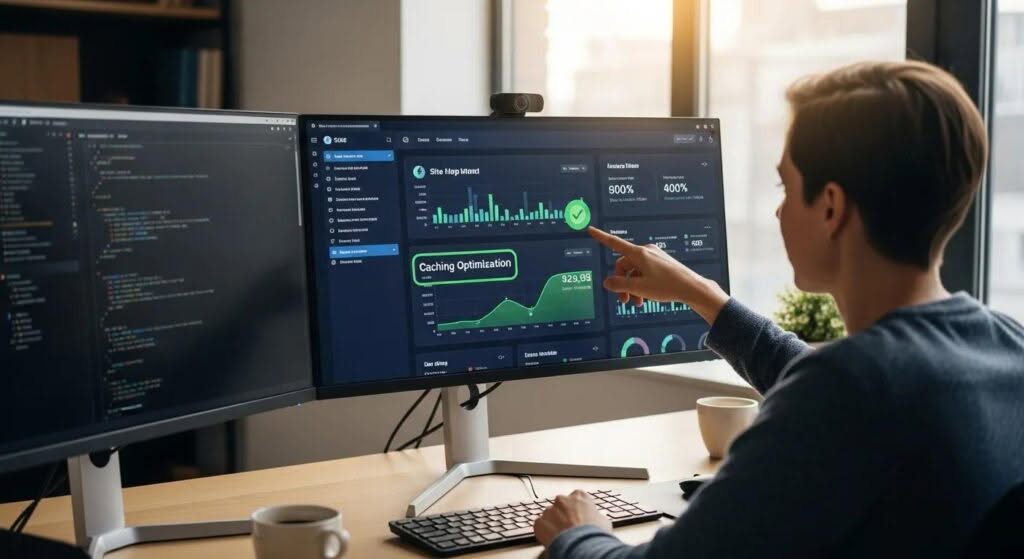
Hostingial pairs LiteSpeed Server with LSCache to cut load times and server work. When configured correctly, they deliver cached pages fast while keeping dynamic features intact.
Best Caching Practices with LSCache
Use LSCache to reduce server processing and speed page delivery:
- Page Caching: Cache full HTML output for anonymous users to minimize PHP and DB hits.
- Browser Caching: Set long cache headers for static assets so repeat visitors load instantly.
- Object Caching: Cache expensive DB queries to reduce page render time for dynamic content.
Combine these caches to reduce latency and improve perceived performance.
Using a CDN and the Right PHP Version
Two more lever points for faster sites:
- CDN Selection: Route static assets through a global CDN to cut latency for distant visitors.
- PHP Version: Run the latest stable PHP your stack supports — newer releases are faster and more secure.
- Result: CDN + modern PHP typically delivers the biggest real-world speed uplift.
Hostingial’s stack is optimized for these steps; enabling them brings consistent, measurable gains. Managed WordPress Hosting
Key Security Configurations to Harden WordPress
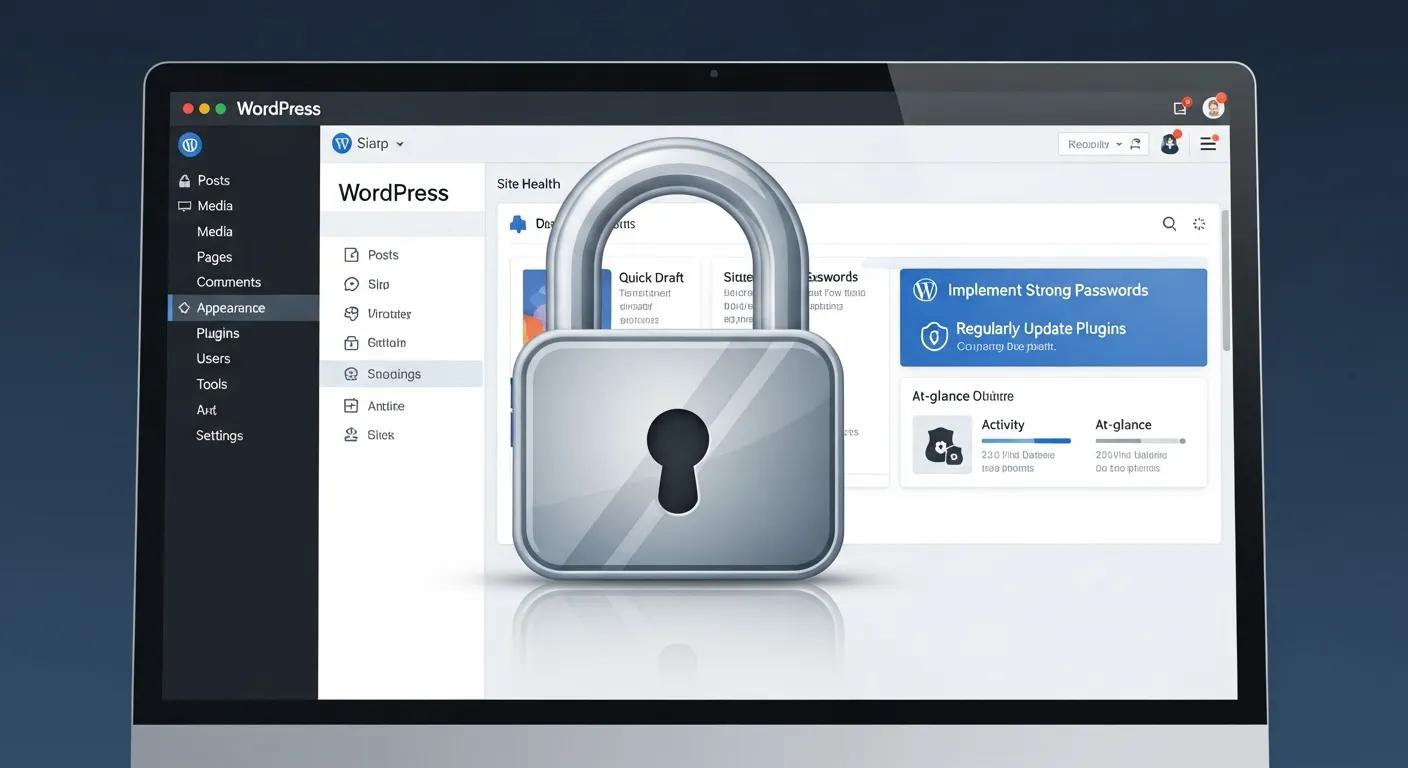
Security prevents downtime, data loss, and reputational damage. Apply layered, practical controls that block common attack paths without disrupting users.
Strong Passwords, Two-Factor Authentication, and SSL
Start with these essentials:
- Strong Passwords: Enforce complex, unique passwords and use a password manager for team accounts.
- Two-Factor Authentication (2FA): Add 2FA to reduce the risk of account takeover, especially for admins.
- SSL/TLS: Always serve your site over HTTPS to protect data in transit and meet browser expectations.
These steps protect users and reduce attack surface with minimal operational friction.
wp-config.php Security Tweaks and Firewall Options
Further hardening you can enable:
- Change DB Prefix: Alter the default prefix to reduce automated attack success — but don’t rely on it alone.
- Disable XML-RPC: Turn it off if you don’t use remote publishing to prevent common brute-force and DDoS vectors.
- Use a WAF: A web application firewall filters malicious traffic before it reaches WordPress.
Layer these controls for a resilient security posture that complements regular updates and backups.
Optimize Your WordPress Database for Better Performance
A trimmed, organized database returns results faster. Regular maintenance prevents bloat and keeps queries snappy.
Database Cleanup and Table Optimization Techniques
Keep the database lean with these routines:
- Cleanup Plugins: Use reputable plugins to purge post revisions, spam, and expired transients.
- Manual Table Optimization: Periodically run OPTIMIZE TABLE or use phpMyAdmin to defragment heavy tables.
- Performance Impact: Clean tables reduce query time and lower memory use during peaks.
Automate cleanup where possible and schedule deeper maintenance during low traffic windows.
Manage Revisions and Prefer InnoDB
Smart defaults for long-term health:
- Limit Revisions: Set a sensible revision cap to prevent excessive growth in wp_posts.
- InnoDB Over MyISAM: Use InnoDB for transaction support, row-level locking, and better crash recovery.
- Why It Helps: These choices reduce contention and keep your site responsive under load.
Adopt these database practices to keep your site stable as traffic grows.
Improve Core Web Vitals for a Better Visitor Experience
Core Web Vitals measure real user experience. Targeting them improves engagement and SEO potential.
Strategies to Improve LCP, FID, and CLS
Focus on the metrics that matter:
- Largest Contentful Paint (LCP): Optimize the largest visible asset — usually images or hero blocks — by compressing and serving them efficiently.
- First Input Delay (FID): Defer or async non-essential JavaScript so threads are free for user interactions.
- Cumulative Layout Shift (CLS): Reserve dimensions for images, ads, and embeds to avoid unexpected layout moves.
Small, targeted fixes here produce big improvements in perceived speed and usability.
Performance tooling plays a key role — measure, verify, and repeat optimizations using trusted tools.
Optimizing Core Web Vitals with Performance Tools
This paper examines how modern performance tools help measure and improve Core Web Vitals. It compares common tools — Lighthouse, PageSpeed Insights, and WebPageTest — and explains how they surface issues like slow LCP or high FID. The analysis shows why these tools are essential when tuning for real user metrics and improving outcomes such as bounce rate and conversions.
Image Optimization and Lazy Loading for Core Web Vitals
- Modern Formats & Compression: Serve WebP or AVIF where supported and compress images to balance quality and size.
- Lazy Loading: Defer off-screen images so initial pages render faster and LCP improves.
- Expected Benefit: These steps reduce payloads and help lift Core Web Vitals scores across devices.
Apply image best practices site-wide to see consistent improvements in speed and engagement.
WordPress Image Optimization Techniques That Speed Up Sites
Images often account for most of a page’s weight. Optimize them to lower load times without losing visual quality.
Compression, WebP Conversion, and Lazy Loading — Best Practices
Key tactics for image performance:
- Compression Tools: Use lossless or lossy compression to cut file sizes while preserving acceptable quality.
- WebP Benefits: Convert images to WebP where supported — it typically reduces file size versus JPEG/PNG.
- Lazy Load: Load images only when they approach the viewport to speed initial rendering.
Combine these tactics with caching and CDN delivery for fastest results.
Recommended Image Optimization Plugins for WordPress
Plugins that simplify image optimization:
- Smush: Compresses images and offers lazy loading.
- ShortPixel: Converts images to WebP and provides strong compression options.
- Imagify: Supports multiple optimization levels and bulk processing.
Pick a trusted plugin, test quality settings, and schedule bulk optimizations during off-peak hours.
Frequently Asked Questions
What are the benefits of using a Content Delivery Network (CDN) for WordPress?
A CDN speeds delivery by serving static assets from servers closer to your visitors. That lowers latency, handles traffic spikes, and can add DDoS mitigation. The result: faster pages, happier users, and better SEO performance.
How often should I optimize my WordPress database?
Monthly maintenance is a solid baseline; increase frequency if you publish often or see heavy traffic. Regular cleanup of revisions, transients, and spam keeps queries fast and storage efficient.
What role do plugins play in WordPress performance optimization?
Plugins can help or hurt performance. Choose lightweight, well-coded plugins and remove unused ones. Rely on specialized performance plugins for caching and image optimization, and measure impact after each installation.
How can I monitor my WordPress site‘s performance effectively?
Use PageSpeed Insights, GTmetrix, and WebPageTest to track Core Web Vitals and bottlenecks. Monitor server metrics (CPU, memory, response time) and review logs to catch issues early.
What are the best practices for securing my WordPress site?
Use strong passwords and 2FA, keep core/themes/plugins updated, employ a WAF, and run regular backups. Combine these with least-privilege user roles and monitoring for a resilient setup.
How does image optimization affect my site‘s loading speed?
Optimized images shrink payloads and reduce render time. Compress files, use modern formats, and lazy-load off-screen images to cut initial load time and improve user experience.
Conclusion
Right configuration and ongoing maintenance are the fastest route to a faster, safer WordPress site. Use Hostingial’s LiteSpeed + LSCache stack, adopt the security and database practices listed here, and target Core Web Vitals with focused optimizations. Start implementing one change at a time — the cumulative effect will be a noticeably better site for your users.