

A strong website is non‑negotiable for modern businesses. WordPress gives you the flexibility to create, manage, and improve a site that actually helps you win customers. This guide walks you through practical steps — from picking the right hosting and building a professional site to improving SEO, adding e‑commerce, and keeping everything secure and fast. If performance, security, or engagement are holding you back, the right approach with WordPress can fix that and set you up for steady growth.
Choose the Right WordPress Hosting to Support Growth

Hosting affects speed, uptime, and how your site handles traffic — so it’s one of the first decisions that matters. Look for a provider with fast servers, reliable uptime, helpful support, and options to scale as your traffic grows. The right host keeps your site responsive and your visitors happy.
Why Hostingial’s WordPress Hosting Works for Businesses
Hostingial offers WordPress packages designed for small businesses and growing companies. They focus on delivering fast page loads with LiteSpeed servers, straightforward pricing, and round‑the‑clock support — including WhatsApp — so help is available when you need it. In short: speed, security, and support tuned for business needs.
How to Pick Affordable, Reliable WordPress Hosting
Use these simple checks when comparing hosts:
- Cost : Choose plans that match your budget but don’t cut essentials like regular backups or SSL.
- Reliability : Look for clear uptime commitments and read recent customer feedback.
- Support : Make sure support is fast and reachable through channels you use — live chat, email, or phone.
Following these points helps you pick a host that supports your website today and scales with your business tomorrow.
Build a Professional Business Website with WordPress
A great WordPress site balances clear design, useful content, and smooth navigation. Start with a reliable setup, then tailor the look and structure to reflect your brand and make it easy for visitors to take action.
Steps to Install and Configure WordPress for Your Business
A straightforward path to get your business online:
- Choose a host : Pick a provider that supports WordPress and matches your performance needs.
- Install WordPress : Use one‑click installers or follow your host’s setup guide to get WordPress running quickly.
- Configure basics : Set your site title, tagline, and permalink structure so your site is organized and SEO‑friendly.
With these steps done, you can focus on content, design, and promoting your services or products.
Pick and Customize a Theme That Reflects Your Brand
Your theme sets the visual tone for your business. When choosing one, keep these in mind: hosting.
- Features : Choose themes with responsive layouts, plugin compatibility, and the options you need.
- Customization : Use the WordPress customizer or a page builder to align fonts, colors, and layout with your brand.
- Brand fit : Make sure the theme supports the look and user flow your customers expect.
A well‑chosen and customized theme makes your site feel cohesive and professional — and helps visitors convert.
Essential WordPress Plugins That Improve Performance and SEO
Plugins extend WordPress in practical ways: faster pages, better search visibility, stronger security, and smoother user experience. Installing the right plugins saves time and improves results.
Plugins That Boost SEO and Discovery
These plugins help your pages get found and read correctly by search engines:
- Yoast SEO : Guides content optimization with keyword tools and readability checks.
- All in One SEO Pack : Offers comprehensive SEO settings for sitewide control.
- Rank Math : Combines advanced SEO features with an easy setup workflow.
Any of these plugins will help you apply SEO best practices consistently across your site.
Plugins to Secure and Speed Up Your Site
Keep your site safe and fast with these common solutions:
- Wordfence Security : Adds firewall rules and malware scanning to protect your site.
- WP Super Cache : Serves cached HTML to speed up page delivery for visitors.
- UpdraftPlus : Automates backups so you can restore your site quickly if needed.
Together, security and performance tools reduce downtime and improve the visitor experience.
Add E‑Commerce with WordPress to Sell Online
Selling products or services on your site is straightforward with WordPress. Pick the right tools, configure payments and shipping, and present products clearly to convert shoppers into customers.
Set Up an Online Store with WooCommerce
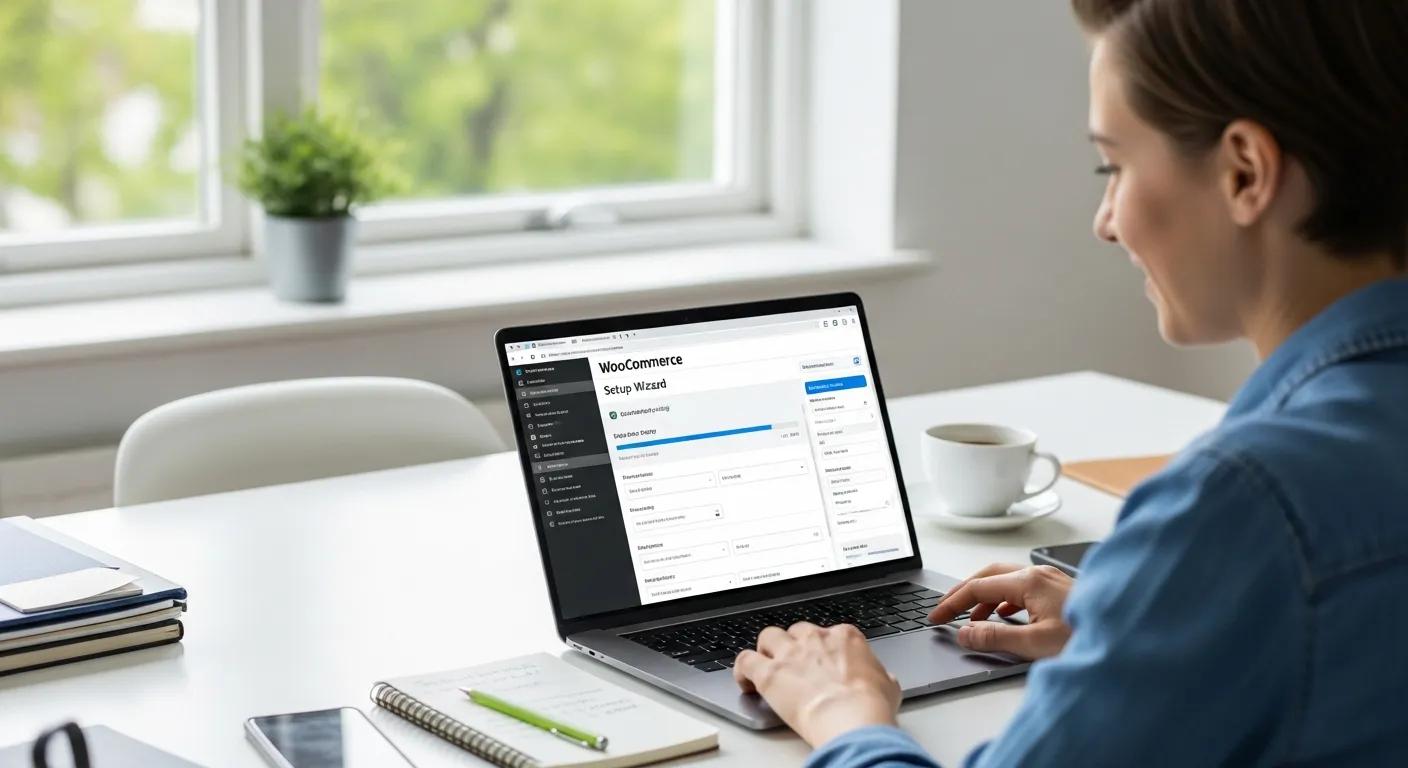
Quick steps to launch a WooCommerce store:
- Install WooCommerce : Add the plugin from the WordPress repository and follow the setup wizard.
- Configure settings : Connect payment gateways, set shipping zones, and define taxes.
- Add products : Create clear product pages with images, descriptions, and pricing.
With that in place, you’ll have a functional store ready to accept orders and grow.
For deeper guidance on WooCommerce strategy and practical tips, look to experts with real e‑commerce experience.
WordPress E‑commerce Strategy: Build Your Online Store
Over 20 years of helping businesses move online taught me one thing: a smart, budget‑aware e‑commerce approach wins. This experience shows how to build an effective online store without overspending, focusing on what actually drives sales.
Building Your Online Store With WordPress and WooCommerce: Learn to Leverage the Critical Role E-commerce Plays in Today’s Competitive Marketplace, 2018
Practical Ways to Generate Leads and Keep Customers Engaged
Convert visitors into buyers and keep them coming back with these proven tactics:
- Email marketing : Use targeted campaigns to nurture leads and announce offers.
- Social integration : Share products and content on platforms where your audience spends time.
- Content marketing : Publish helpful content that answers customer questions and builds trust.
These approaches build a steady pipeline of interested visitors and repeat customers.
Maintain and Scale Your WordPress Site with Confidence
As your site grows, routine maintenance and performance checks keep it healthy. Plan for updates, backups, and monitoring so your site remains secure and fast as traffic increases.
Best Practices for Security and Ongoing Maintenance
Keep your site resilient with these habits:
- Regular updates : Update WordPress core, themes, and plugins promptly to patch vulnerabilities.
- Backups : Schedule regular backups and test restores so you can recover quickly.
- Security tools : Use security plugins and monitoring to detect threats early.
Following these routines reduces risk and keeps your site performing well.
If you want a deeper technical reference on WordPress security and scaling, authoritative sources provide step‑by‑step practices. WordPress hosting
WordPress Security & Performance Best Practices
When you want to master performance and security, look for resources that cover both practical hardening steps and scaling techniques. A dedicated security chapter can be especially useful for business sites that need reliable uptime and protection.
Pro WordPress: mastering the techniques for building, securing and scaling websites, 2026
Use Analytics to Measure and Grow Your Site
Data should guide your decisions. Track key metrics, test changes, and iterate to improve conversions over time.
- Google Analytics : Install analytics to see where visitors come from and how they behave.
- Performance metrics : Watch bounce rate, session time, and page views to spot issues and opportunities.
- A/B testing : Test headlines, layouts, and CTAs to improve engagement and conversions.
Regular analysis helps you prioritize changes that move the needle for your business.
| Plugin | Feature | Benefit |
|---|---|---|
| Yoast SEO | Keyword optimization | Helps pages rank higher in search results |
| Wordfence Security | Firewall protection | Strengthens your site’s defenses |
| WooCommerce | E‑commerce functionality | Lets you sell products and services online |
These plugins are practical tools that address search visibility, security, and sales — core needs for any business site.
In short, WordPress gives you the building blocks to create a site that supports growth. Pick the right host, craft a clear site, use essential plugins, add e‑commerce where it fits, and keep everything maintained. Do this consistently and your website becomes a reliable channel for customers and revenue.
Frequently Asked Questions
What are the benefits of using WordPress for e-commerce?
WordPress combined with WooCommerce offers flexibility, a large plugin ecosystem, and the ability to customize your store to match your brand. It’s scalable for small shops up to larger stores, supports common payment options, and benefits from strong SEO foundations. That ecosystem and community make it easier to find tools and support when you need them.
How can I improve the loading speed of my WordPress site?
Speed improvements that pay off: compress and resize images, choose a lightweight theme, enable caching with a plugin like WP Super Cache, and use a CDN to serve assets globally. Also monitor site performance with PageSpeed Insights or similar tools to find specific bottlenecks.
What are the key elements of a successful WordPress business website?
A successful site is easy to navigate, mobile friendly, and clearly communicates what you offer. It includes useful content, strong calls to action, reliable contact options, and basic SEO elements like optimized titles and meta descriptions. Together, these make converting visitors into customers straightforward.
How often should I update my WordPress site?
Check for updates at least monthly, and apply critical updates sooner. Keep core, themes, and plugins current, and run regular backups before major updates so you can roll back if something breaks.
What are some effective ways to drive traffic to my WordPress site?
Combine on‑site SEO, regular content publishing, and active social media to attract visitors. Use email campaigns to reengage contacts and consider guest posts or partnerships to reach new audiences. Paid ads can accelerate growth when you target the right pages and offers.
How can I ensure my WordPress site is secure?
Secure your site by using strong passwords, enabling two‑factor authentication, keeping software updated, and installing a security plugin like Wordfence. Use SSL to encrypt traffic and maintain regular backups so you can recover quickly if needed.
Conclusion
When you apply clear hosting choices, thoughtful design, essential plugins, and routine maintenance, WordPress becomes a dependable platform for business growth. Start with the basics, measure results, and iterate — that steady approach turns a simple site into a valuable business asset. Explore further resources and take the next step toward a stronger online presence today.