
A well‑built WordPress site is one of the most effective ways to get your business found, trusted, and converting online. This guide walks you step‑by‑step through everything you need: why WordPress is a strong choice, how to pick the right domain and host, installation options, theme selection and customization, essential plugins, and practical optimization and security steps. If you want a site that looks professional, performs reliably, and attracts customers, follow these clear, business‑focused instructions.
Why WordPress Is a Smart Choice for Your Business Website
WordPress is a flexible, widely adopted content management system that balances ease of use with deep customization. It supports countless themes and plugins, so you can tailor your site to your exact needs. That flexibility — paired with strong community support — is one reason WordPress powers over 43% of all websites worldwide.
Key Benefits for Small Businesses
Small businesses get a lot from WordPress thanks to its affordability, usability, and SEO advantages.
- Cost‑Effective: The WordPress core is free, and many themes and plugins are low‑cost or free — ideal for startups on a budget.
- Easy to Use: The admin interface is straightforward, so non‑technical team members can update content and manage the site.
- SEO‑Friendly: WordPress is built with search engines in mind and works well with SEO plugins to boost discoverability.
Together, these strengths make WordPress a practical platform for building an online presence that grows with your business.
How WordPress Supports Growth and Scalability
WordPress scales with your needs. You can add features via plugins — from e‑commerce to analytics — and upgrade hosting resources as traffic grows. The large developer and user community also means plenty of support, tutorials, and compatible tools when you need them.
Research and case studies consistently show that WordPress, thanks to its open‑source foundation and plugin ecosystem, is a reliable choice for small business continuity and growth.
WordPress for Small Business Growth & Online Presence
The study explored how ICT tools help small businesses stay competitive and expand their reach. It built a prototype ERP using an open‑source WordPress setup and ready‑made plugins, concluding that a WordPress‑based infrastructure met the core needs of the small businesses studied.
Business growth using open source e-commerce and ERP in small business, R Halonen, 2018
Choose the Right Domain Name and WordPress Hosting for Your Business
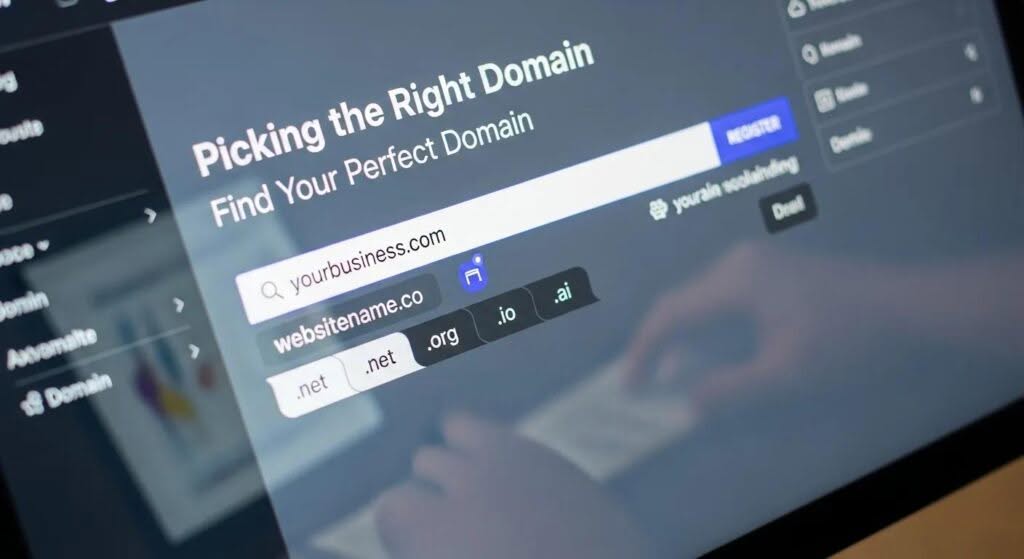
A memorable domain and a dependable host are the foundation of any successful site. Your domain communicates your brand; your host keeps your site fast and available.
How to Pick a Domain Name That Works
Choose a domain that supports your brand and is easy for customers to remember and type:
- Relevant to Your Business: Use your business name or a clear descriptor of your services.
- Keep It Simple: Short, easy to spell, and easy to pronounce avoids confusion.
- Be Brandable: Pick something distinctive that’s easy to recognize and remember.
Those simple rules will help your domain support branding and search visibility.
Why Hostingial’s WordPress Hosting Fits Business Needs
Hostingial provides WordPress plans tuned for performance, security, and easy management. Key advantages include:
- Performance: LiteSpeed servers plus LSCache keep pages loading fast — a direct win for UX and SEO.
- 24/7 Support: Real‑time help via live chat, email, and WhatsApp so you’re never stuck.
- Security Tools: DDoS protection, firewalls, and automatic backups help keep your site safe and recoverable.
These elements make Hostingial a practical option for businesses that need reliable WordPress hosting.
Step‑by‑Step: Install WordPress for Your Business
Quick install with Hostingial’s optimized setup
Hostingial streamlines the process so you can have WordPress running in minutes:
- Sign up for a plan: Pick a hosting package that matches your traffic and feature needs.
- Open the control panel: Log in to your Hostingial dashboard.
- One‑click install: Use the one‑click WordPress installer to deploy your site automatically.
This approach saves time and reduces setup errors, so you can start building right away.
Manual installation: a quick checklist
If you prefer full control, install WordPress manually:
- Download WordPress: Get the latest package from wordpress.org.
- Upload files: Transfer the files to your server with FTP.
- Create a database: Set up a MySQL database and a dedicated user.
- Edit wp-config.php: Add your database credentials to the config file.
- Run the setup: Visit your domain and follow the WordPress install wizard.
Manual install gives you a clean, configurable environment from day one.
Choose and Customize a Theme That Reflects Your Brand
Your theme sets the visual tone for your business online — choose one that’s responsive and easy to adapt.
Themes that work well for professional business sites
Consider themes that balance performance with flexibility. Popular, reliable options include:
- Astra: Lightweight, fast, and very customizable — great for speed‑first sites.
- Divi: Includes a visual builder and many layouts for rapid design.
- OceanWP: Feature‑rich and compatible with most page builders and plugins.
Each of these gives a strong starting point for a polished business site.
Customize your theme to match your brand
Small, intentional changes make your site feel like yours:
- Use brand colors: Apply your palette consistently across headers, buttons, and links.
- Place your logo: Make the logo visible and linked to your homepage for recognition.
- Tweak layout: Adjust spacing, typography, and page structures to highlight your content and calls to action.
These adjustments improve both brand coherence and user experience.
WordPress’s plugin‑driven flexibility is a major reason you can shape themes to match a business’s identity precisely.
Customizing WordPress Themes with Plugins
The experience described shows how plugins enable deep theme customization, allowing users to create tailored websites without rebuilding from scratch. The wide variety of plugins makes WordPress a flexible and effective platform for building business sites.
Customization of WordPress Themes with the Help of Plugins, 2016
Which WordPress Plugins Are Essential for Business Success?
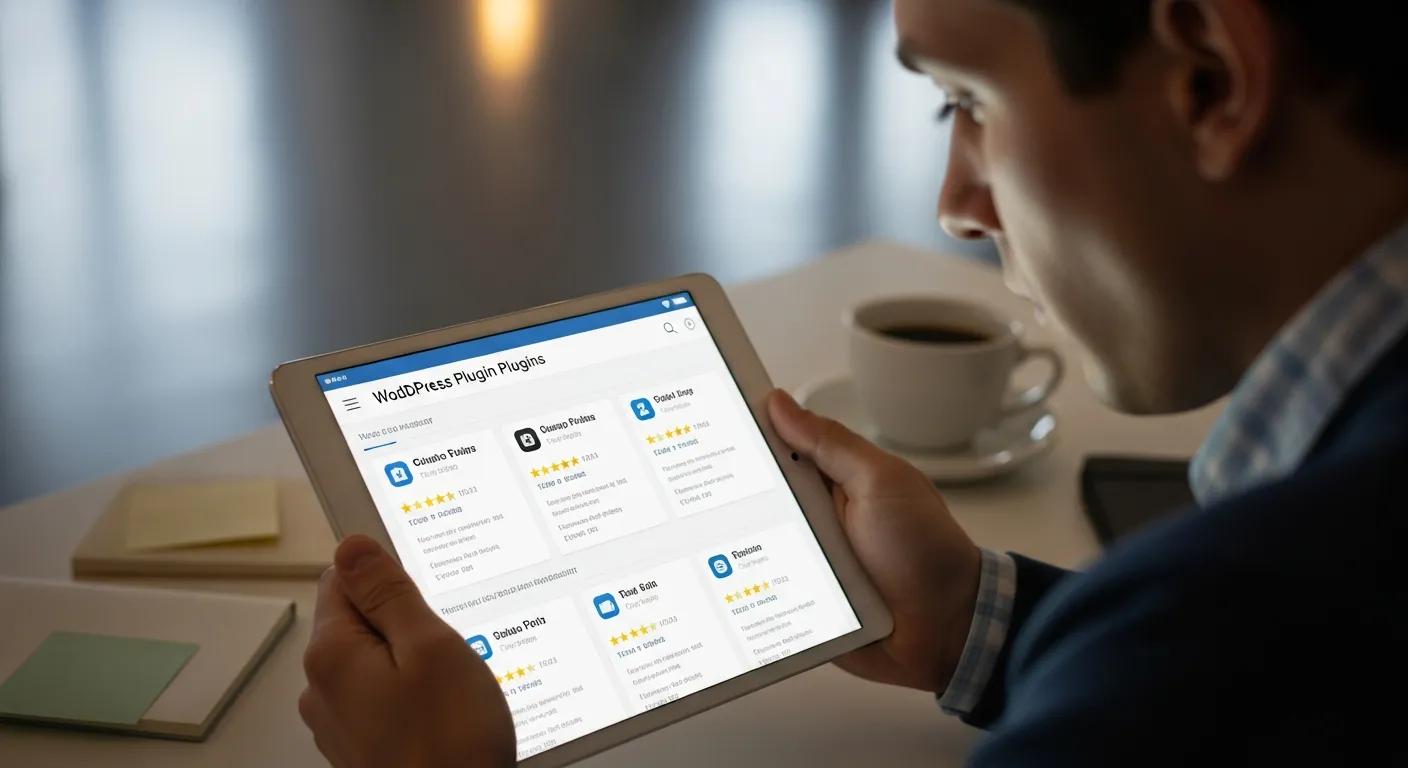
Plugins add the features your business needs — pick trusted, well‑maintained plugins to avoid conflicts and security issues.
Top plugins for SEO, security, and performance
Start with these essentials:
- Yoast SEO: Guides on‑page SEO and helps your pages rank better.
- Wordfence Security: Provides malware scans, firewall protection, and security alerts.
- WP Rocket: A caching plugin that noticeably improves page load times.
These three cover the biggest areas that impact visibility and user experience.
How WooCommerce helps you sell online
WooCommerce turns WordPress into a full e‑commerce platform, with features such as:
- Product management: Add products, variations, and track inventory.
- Payment gateways: Offer multiple payment options to customers.
- Analytics: Monitor sales and customer behavior to make smarter decisions.
Used correctly, WooCommerce helps you scale sales while keeping site management familiar.
Optimize and Secure Your WordPress Business Site for the Long Term
Ongoing optimization and strong security practices protect your investment and keep customers happy.
Best SEO practices for WordPress business sites
Improve discoverability with these practical steps:
- Keyword optimization: Research terms your customers use and include them naturally in titles and content.
- High‑value content: Publish useful, original content that answers customer questions and demonstrates expertise.
- Quality backlinks: Earn links from reputable sites to build authority and improve rankings.
Consistent application of these tactics helps your site perform better in search results over time.
Resources on WordPress SEO repeatedly highlight the platform’s ability to be optimized for search engines when paired with the right practices and tools.
WordPress SEO for Business Websites
This guide covers practical steps to install, build, and optimize a WordPress site so search engines can find and rank it. It’s written for business owners and developers who want a clear path to better search visibility.
WordPress Search Engine Optimization, 2015
Security essentials: SSL, backups, and monitoring with Hostingial
Make security a default part of your build process:
- SSL certificate: Enable HTTPS to encrypt user data and build trust.
- Automatic backups: Use Hostingial’s backup feature (or a reliable plugin) to restore quickly after issues.
- Security plugins: Install monitoring tools like Wordfence to detect and block threats.
These steps reduce downtime risk and make recovery straightforward.
| Feature | Description | Benefit |
|---|---|---|
| SSL Certificate | Encrypts data between the server and users | Builds trust and protects sensitive information |
| Automatic Backups | Regularly saves website data | Enables fast recovery after data loss |
| Security Plugins | Monitors and protects against threats | Reduces the chance of breaches and downtime |
Putting these protections in place keeps your site secure and reliable for customers and search engines alike.
Building and maintaining a WordPress site involves clear choices: the right host, a sound theme, essential plugins, and an ongoing focus on speed and security. Follow this guide and you’ll have a site that supports your business goals.
Frequently Asked Questions
What are the costs associated with setting up a WordPress website for my business?
Costs vary based on your needs. WordPress itself is free, but you’ll usually pay for a domain and hosting, and possibly premium themes or plugins. Domains commonly cost $10–$20/year. Hosting ranges from about $5 to $50/month depending on performance and features. Premium themes or plugins may charge one‑time fees or subscriptions. A basic, functional site can start around $100/year; more advanced setups will cost more.
How can I ensure my WordPress site is mobile‑friendly?
Use a responsive theme that adapts to different screen sizes, test pages with Google’s Mobile‑Friendly Test, and optimize images for fast mobile loading. Keep navigation simple on small screens and regularly check your site on a few real devices and browsers to catch layout issues early.
What are the best practices for maintaining my WordPress website?
Maintain your site by keeping WordPress core, themes, and plugins up to date, running regular backups, and monitoring performance with tools like Google Analytics. Clean out unused plugins and optimize your database periodically. Regular content updates and routine SEO checks keep your site relevant and healthy.
How can I improve the loading speed of my WordPress site?
Speed up your site by compressing and appropriately sizing images, using a caching plugin (for example WP Rocket), minimizing heavy scripts and unnecessary plugins, and using a CDN to serve assets globally. Run speed tests with GTmetrix or PageSpeed Insights to find the biggest wins.
What should I do if my WordPress site gets hacked?
Act quickly: change all passwords (hosting, WordPress, database), put the site in maintenance mode, and run a security scan with a plugin like Wordfence. Restore from a clean backup if needed, remove any malicious files, and harden access with measures like two‑factor authentication and stronger permissions. Consider professional help for complex incidents.
Can I migrate my existing website to WordPress?
Yes. Migration usually involves exporting content from your current platform and importing it into WordPress — many platforms have export tools and WordPress supports various import formats. You may need to rebuild layouts and check links and media after migration. For large or complex sites, consider hiring an expert to ensure a smooth transition.
Conclusion
WordPress gives businesses a flexible, cost‑effective platform to build a professional online presence. With the right hosting, theme choices, core plugins, and an ongoing focus on speed and security, your site can attract customers and scale with your business. Ready to get started? Explore Hostingial’s WordPress plans and recommended plugins, and begin building a site that works for your goals today.